

High-Speed eSIM Data for Global Travel
Connect instantly in 190+ countries. Enjoy high-speed eSIM data the moment you land—your seamless, worry-free travel starts here.
 Over 75,433 Happy Users
"Instant connection after landing — blazing-fast and super smooth!"
"Helpful customer service that replies in no time — so reassuring!"
"Effortless setup, Scan, install, and go, even for first-time users."
"Secure & private, a truly safe eSIM experience."
"Honest pricing, no hidden fees — highly recommended!"
"Instant connection after landing — blazing-fast and super smooth!"
"Helpful customer service that replies in no time — so reassuring!"
"Effortless setup, Scan, install, and go, even for first-time users."
"Secure & private, a truly safe eSIM experience."
"Honest pricing, no hidden fees — highly recommended!"

Buy 1 eSIM, Get 1 Free!
It's a BOGO sale! Add 2 eSIMs to your cart and the discount applies automatically.
Choose Your Travel Destination
pick the right AirZlink data plan.












Travel with seamless and high-speed connectivity

Travel Smart with Your Go-To Apps
Hail rides, find food, share moments—all with seamless connectivity.
Smart Activation, Ready Upon Arrival
Your eSIM activates automatically at your destination—for instant connectivity, no setup needed.

Stay Connected Anytime, Anywhere
Never miss a moment with those who matter. Stay connected and share anywhere.

24/7 Free Support
One contact for all your needs. 24/7 support in multiple languages, wherever you are.
No More Roaming Fees
Skip costly roaming. Order your eSIM ahead and enjoy affordable local data on your terms.

Premium Network, Uninterrupted Enjoyment
Automatically access quality local networks for fast, stable internet.
Explore Now
Share Your Global Footprints, Discover Amazing Content



Stay connected instantly with AirZlink — for a safer online experience
AirZlink: Smarter, Faster, More Affordable Global Connectivity.
Global Coverage, One eSIM for All
One eSIM account, 190+ countries. Auto-switch networks while traveling.
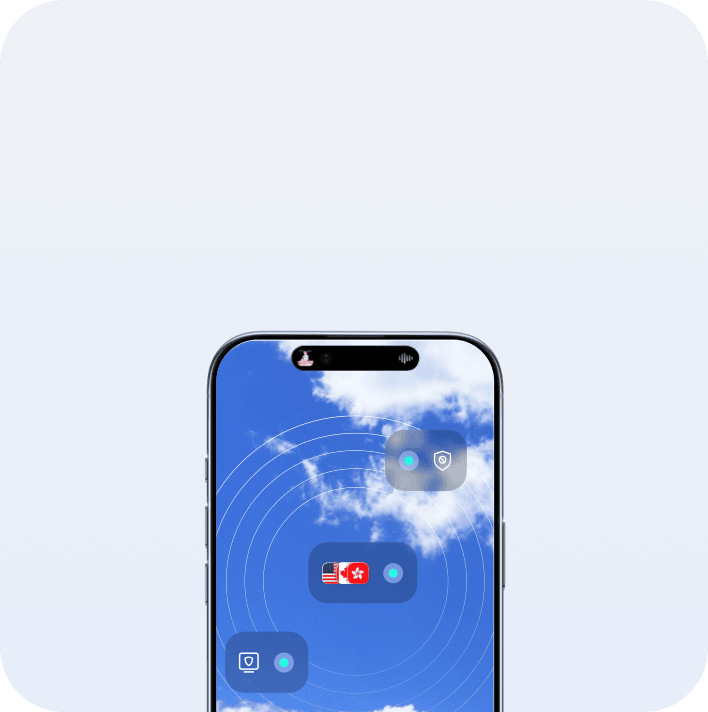

High-Speed Data, Unlimited Connectivity
Shielded by system-level encryption, your eSIM connection is private and secure from setup to usage.


Secure & Reliable with Full Data Encryption
Full journey protection with system-level encryption ensures your privacy and connection security.
How does AirZlink eSIM work?
Follow these steps to start using eSIM on iPhone or Android.
Choose an eSIM data plan for your trip
Select the country/region you are traveling to and pick a plan.
Download AirZlink eSIM app
Get the app, tap "Install eSIM", then follow the on-screen instructions.
Your plan will automatically activate
Get ready for your trip, the plan will activate when you arrive.
Reviews from travelers
Check out what fellow travelers are saying about AirZlink!
 JorgA.

The hotspot feature was a lifesaver on our family trip abroad. With just one regional data plan, we all stayed connected—navigating, browsing, and sharing photos together. We used every bit of data by the last day, with zero waste.
 Pewdiepie
AirZlink's 1-year activation window is ideal for changing travel plans. I purchased a data plan ahead of time and activated it much later with no loss in speed—total peace of mind for any planner.
 Li Wei
使用起来非常方便,价格也很实惠,而且网速很快。设置只需几分钟,他们的客服团队也很棒。非常适合旅行!


AirZlink offers cost-effective and user-friendly eSIM services, dedicated to providing you with stable and reliable data connectivity worldwide for seamless internet access anytime, anywhere. Let AirZlink be your trusted global travel companion.
 Ahmed K.
أحب بشدة شعور الاتصال بالإنترنت حال هبوطي في المطار، اتبعت تعليمات التطبيق، ومسح رمزًا، وقمت بتنشيط الخدمة في دقائق. استطعت فورًا فحص الخرائط والاتصال بفندقي. جعلتني AirZlink أشعر بأن رحلتي سلسة وخالية من القلق منذ البداية.
 Boyoo.
저는 2주 동안 유럽을 여행했는데, 최종 청구 금액이 처음 제시된 가격과 정확히 일치했습니다. 숨겨진 수수료나 예상치 못한 추가 비용이 전혀 없었어요. 모든 여행객은 이런 투명한 서비스를 받을 자격이 있다고 생각합니다.
 Domas R.
リモートワーカーとして、AirZlink eSIMのおかげで国境を越えても常にインターネットに接続できています。アクティベーションは簡単で、通信速度も安定しており、もう現地のSIMカードを探し回る必要もありません。本当におすすめです!
 MiJaka.
Como persona que valora la privacidad, me alivió ver que la eSIM de AirZlink se instalaba directamente a través de la configuración del sistema de mi teléfono, y no mediante la descarga de un perfil sospechoso. Saber que mis datos están cifrados me da mucha tranquilidad cuando viajo.
 Jusily.
Même en tant que première utilisatrice d'une eSIM, j'ai trouvé le guide d'installation d'AirZlink incroyable clair et facile à utiliser. Ce qui m'a encore plus impressionnée, c'est leur service client. Lorsque j'ai eu une petite question pendant mon voyage, j'ai reçu une assistance professionnelle et patiente immédiatement. Ce service d'assistance disponible 24h/24 et 7j/7 est vraiment rassurant !
Frequently Asked Questions
An eSIM (Embedded SIM) is a digital SIM card built directly into your device. Unlike traditional physical SIM cards that require insertion and removal, an eSIM allows you to download and activate a data plan by scanning a QR code provided by the carrier or directly through an app, eliminating the need to swap physical SIM cards.
Need More Help?
AirZlink offers 24/7 multilingual support.

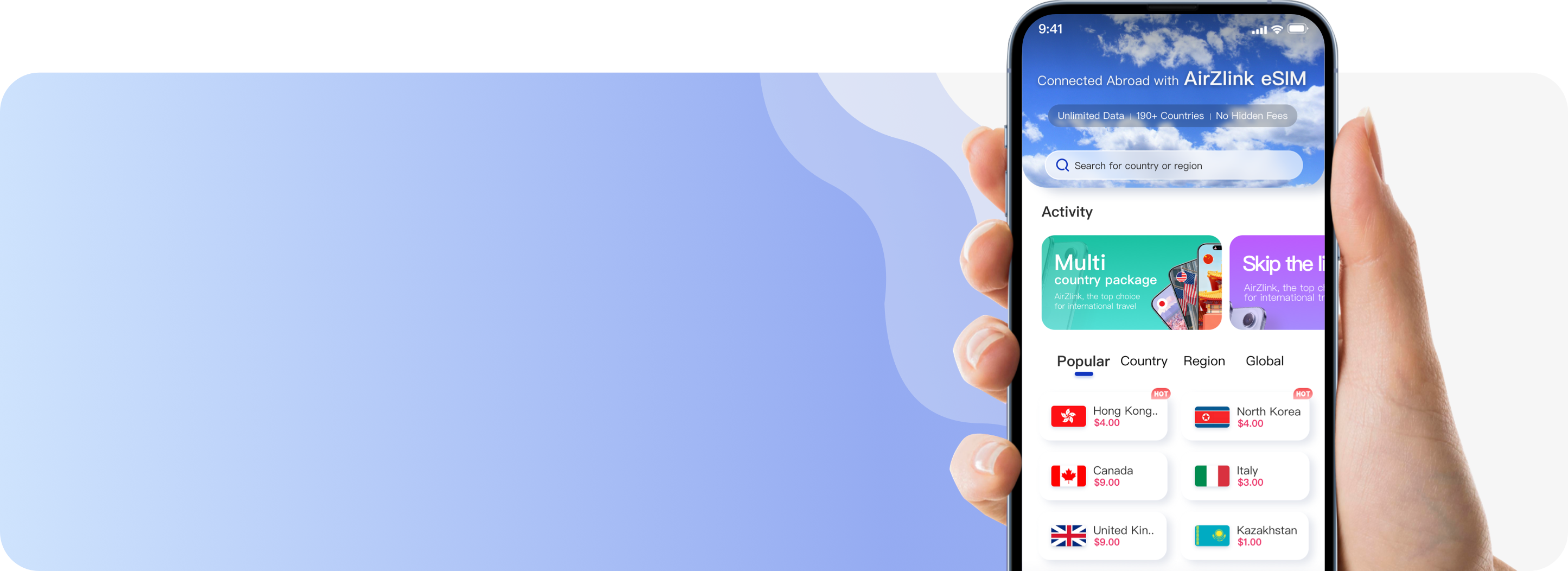
Download the AirZlink eSIM App
You can get AirZlink from the Google Play and the App Store, or scan the QR code below for direct installation.


Download the AirZlink eSIM App
You can get AirZlink from the Google Play and the App Store, or scan the QR code below for direct installation.