
What Is eSIM and How Does It Work?
eSIM is a digital SIM technology embedded directly into modern smartphones. It is integrated into the device and can be activated and configured entirely through software, functioning similarly to a traditional physical SIM card. With eSIM, you can not only avoid expensive roaming charges but also easily switch between different mobile operators.

What is an eSIM?
eSIM is a digital chip built into your device, replacing the physical SIM card and allowing you to activate and manage your plan quickly online. With eSIM, one device can securely store multiple numbers, making it easy to switch between different operators. Whether you're traveling and need a local data plan to save on roaming fees or managing separate personal and work numbers, everything becomes simpler.
How does eSIM work?
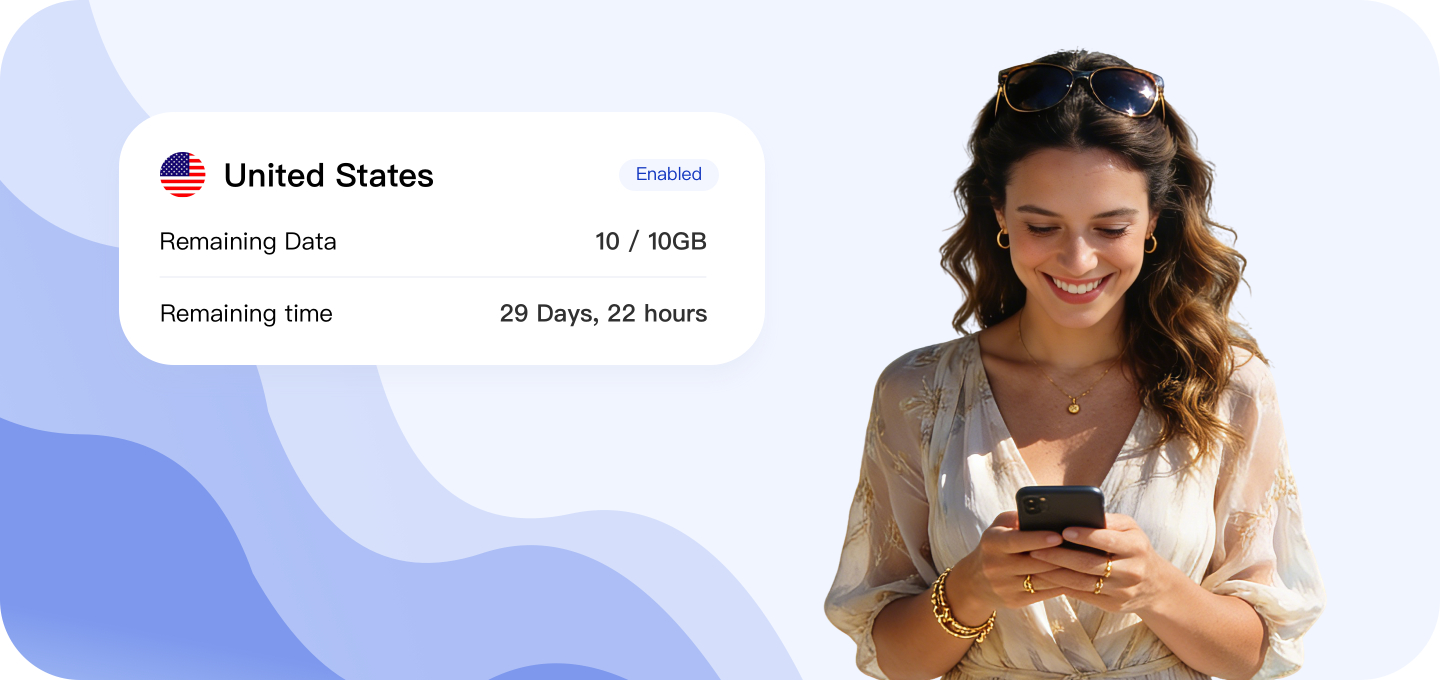
eSIM is built directly into your device and works through pre-installed software to deliver all the functions of a physical SIM card. Once activated, it connects you to networks, lets you make calls, and use mobile data just like a regular SIM. Most newer phones now support eSIM, and you can check our compatibility list anytime to confirm.
Getting started with eSIM is simple: purchase an eSIM plan and complete the quick activation steps. There's no need to remove your current physical SIM card—you can leave it in place whether you continue using it or not.
How does AirZlink eSIM work?
Follow these steps to start using eSIM on iPhone or Android.
Set up eSIM on your iPhone using the AirZlink app
Choose an eSIM data plan for your trip
Select the country/region you are traveling to and pick a plan.
Download AirZlink eSIM app
Get the app, tap "Install eSIM", then follow the on-screen instructions.
Your plan will automatically activate
Get ready for your trip, the plan will activate when you arrive.
Manually set up eSIM on iPhone
- Go to "Settings".
- Tap "Mobile Data" or "Cellular".
- Tap "Add Data Plan".
- Tap "Enter Details Manually" at the bottom of the screen.
- Paste the eSIM information shared by the provider.
eSIM Advantages
eSIM — the future of connected networks. Below are the key benefits of eSIM.
No International Roaming Fees
With eSIM, you can easily connect to local networks while traveling, enjoy local rates, and avoid high roaming charges.
Store Multiple eSIMs on One Device
A single device can store multiple eSIM plans at once. Switch seamlessly between different carriers and phone numbers without changing any physical card.
Flexible Plan Options
Choose flexible daily, weekly, or monthly data plans. Pay only for what you need while traveling.
Saves Space
By eliminating the physical SIM slot, eSIM frees up internal space to improve battery life and device performance.
Secure & Reliable
The embedded eSIM ends the risk of lost or damaged SIMs—for worry-free, continuous connectivity.
Eco-Friendly Choice
eSIM reduces plastic waste by replacing physical cards with digital plans.
Why choose us?
Here's how AirZlink eSIM compares to other brands like Airalo and Holafly for your travel needs.
 Choose from Unlimited day pass or fixed data plans
 Fixed plans onlyOnly unlimited day passesWorth every pennyMore expensive than AirZlinkMore expensive than AirZlinkReach us quickly — chat with us on WhatsApp
 Email support — response time may exceed 24 hoursEmail support — response time may exceed 24 hoursWe'll refund you in full if you can't use the eSIM, with no time limitA refund request must be made within 30 daysA refund request must be made within 6 monthsData plans valid for 1 years1 to 30 days onlyDay pass plans expire in 24 hoursSupportSupportLimited support